Save transfer and progress
Moonlighter 2 Save Transfer, Cloud Sync and Recovery
Moonlighter 2: The Endless Vault ran in Early Access from November 19, 2025 and released version 1.0 on September 2, 2026. Steam lists Steam Cloud, but the launch-day announcement does not mention saves at any point, so there is still no first-party statement about whether an Early Access file carries into 1.0.
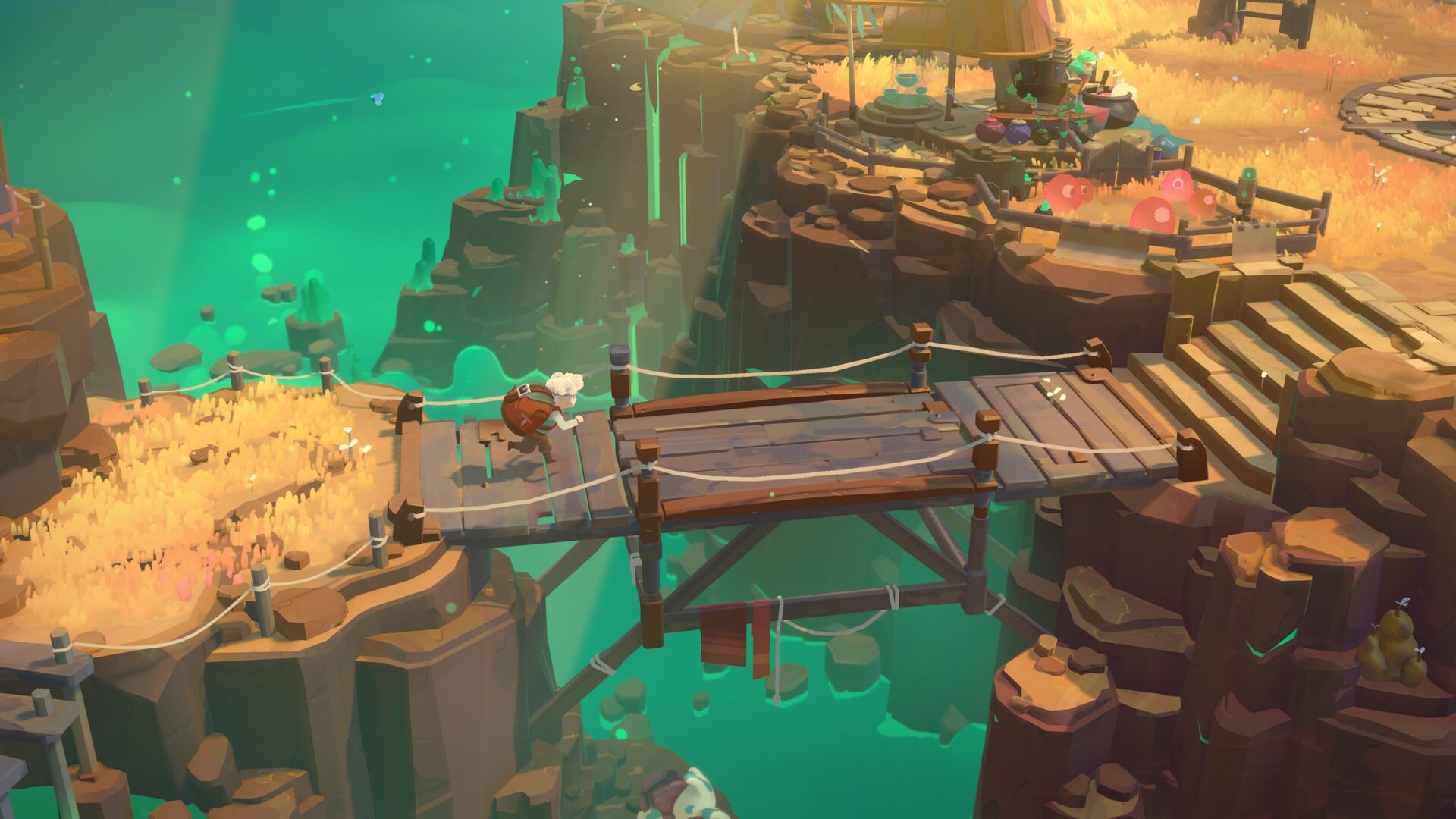
Moonlighter 2 Steam store screenshot. This image is used for identification and editorial context.
Short answer: no official save rule was ever published
The version 1.0 transition has already happened. Digital Sun and 11 bit studios published a long launch-day announcement describing the story conclusion, the postgame, new weapons, a new perk path, a new shop level and a Hardcore mode — and not one line about save files, migration, or a wipe.
That silence is the whole answer to this question. There is no official rule to quote, in either direction.
Current answer
No first-party source says Early Access progress is preserved, and none says it is wiped. If your own file loaded normally after updating, that is a personal observation about your save, not a published policy.
What Steam Cloud confirms
The Steam listing includes Steam Cloud. That confirms the feature is offered, but it does not publish a save-slot count, a conflict-resolution rule, or a guarantee that any particular update preserves every field.
- Steam Cloud is listed.
- Cross-platform save support is not confirmed by that label.
- A migration rule between versions is not confirmed by that label.
- The listing does not define how save conflicts or progress variants are handled.
Why this still matters after 1.0
Two groups of players still need this page. The first is anyone who has not launched the game since before September 2, 2026 and wants to know what happens to an old file on first load. The second is anyone playing now, because 1.0 is a starting point for patches rather than the end of updates, and the same absence of a published policy applies to those.
A third case is specific to the launch build: Hardcore Mode carries its own progress penalty by design. That is a game rule, not a save-transfer rule, and the two should not be confused when reading community reports.
Low-risk preparation for any update
The safest preparation is reversible and does not depend on an invented file path or migration command. Keep an offline backup of important save data before a major update, and keep that backup separate from any copy created afterwards.
- Record the current game version and the progress you want to check after the update.
- Copy your save data somewhere outside the game folder before applying a large patch.
- Do not overwrite the pre-update backup until you have confirmed the post-update result yourself.
- Treat Steam Cloud as a listed feature, not as proof of cross-version preservation.
- Keep any official version note that does discuss saves, since that would be the first real rule published.
How to read the Steam Cloud status safely
For this question, the useful confirmed fact is simply that Steam Cloud appears in the Steam feature listing. Use that to confirm the feature remains advertised, but do not turn it into a claim about cross-platform saves, a guaranteed restore, or a wipe decision. Those are separate questions that need explicit wording from the developer or a version note.
What to watch for next
A real update on this would come from Digital Sun or 11 bit studios in a developer announcement, patch note, or version note. Look for direct wording about save migration, wipe behavior, compatibility with existing progress, and any required player action. Until those terms are published, this page stays a preparation guide rather than a promise.
Autosave: You Cannot Sleep Mid-Run
Steam Cloud and in-game saving solve different problems. Cloud synchronization transfers available save data; it does not determine when an expedition is written to the local save. Before a long trip, inspect the game’s current save feedback and use its normal save or exit sequence. Do not interrupt the process merely because the Steam library lists Cloud support.
What the loop actually saves
After an expedition, finish the hub actions you intended to preserve and look for the normal save indication before closing. On the next launch, confirm the intended slot and progression. If the result is unexpected, preserve the copies you have and investigate the synchronization state before starting another session that could overwrite them.
Steam Cloud is on the listing. It syncs a file that exists. It does not add a mid-floor rest. See save transfer for the 1.0 migration silence, and the shop for the counter you still run yourself.
Keep recovery separate from migration
Before migrating a save, decide which copy represents the progress you want to keep. Compare the displayed character or slot, quest state and most recent successful session. A newer timestamp alone may reflect a failed session or a cloud operation, rather than the furthest campaign progress. Close the game before copying local data. Preserve an untouched backup outside the active save location so a later sync cannot silently replace the only recovery copy.
After moving to another installation, open the intended slot and check the parts of progress that matter to you: the current quest, the town services you unlocked and the equipment you expected to own. If the wrong state appears, stop playing before generating more writes. Do not switch repeatedly between two devices while trying to decide which copy is correct. Cloud support confirms a synchronization feature, not a guarantee that two divergent histories will merge. For uncertain cases, collect the platform and slot information and request support before overwriting files.
Related Moonlighter 2 guides
Moonlighter 2 Beginner Guide: First Runs, Sales and Upgrades
A fact-first Moonlighter 2 beginner guide covering dungeon runs, relics, shop prices, and village reinvestment.
Moonlighter 2 Dungeon Guide: Routes, Combat and Run Decisions
A Moonlighter 2 dungeon guide grounded in the Steam description: route planning, relic collection, backpack space, and escalating rewards.
Moonlighter 2 Shop Guide: Stock, Selling and Reinvestment
A source-tracked Moonlighter 2 shop guide covering player-set prices, customers, decorations, perks, and village investment.