Patch · Hotfix 1
Moonlighter 2 Hotfix 1: Progression and Stability Fixes
Eight days after the September 2, 2026 version 1.0 release, Digital Sun shipped Hotfix 1 on September 10. The headline change is a DirectX 11 / DirectX 12 selection option, which the developers tie directly to the crash reports from launch week. The rest of the notes name specific quests, NPCs, enemies, weapons and dungeons that were broken — this page records exactly what the official notes say and what they do not.
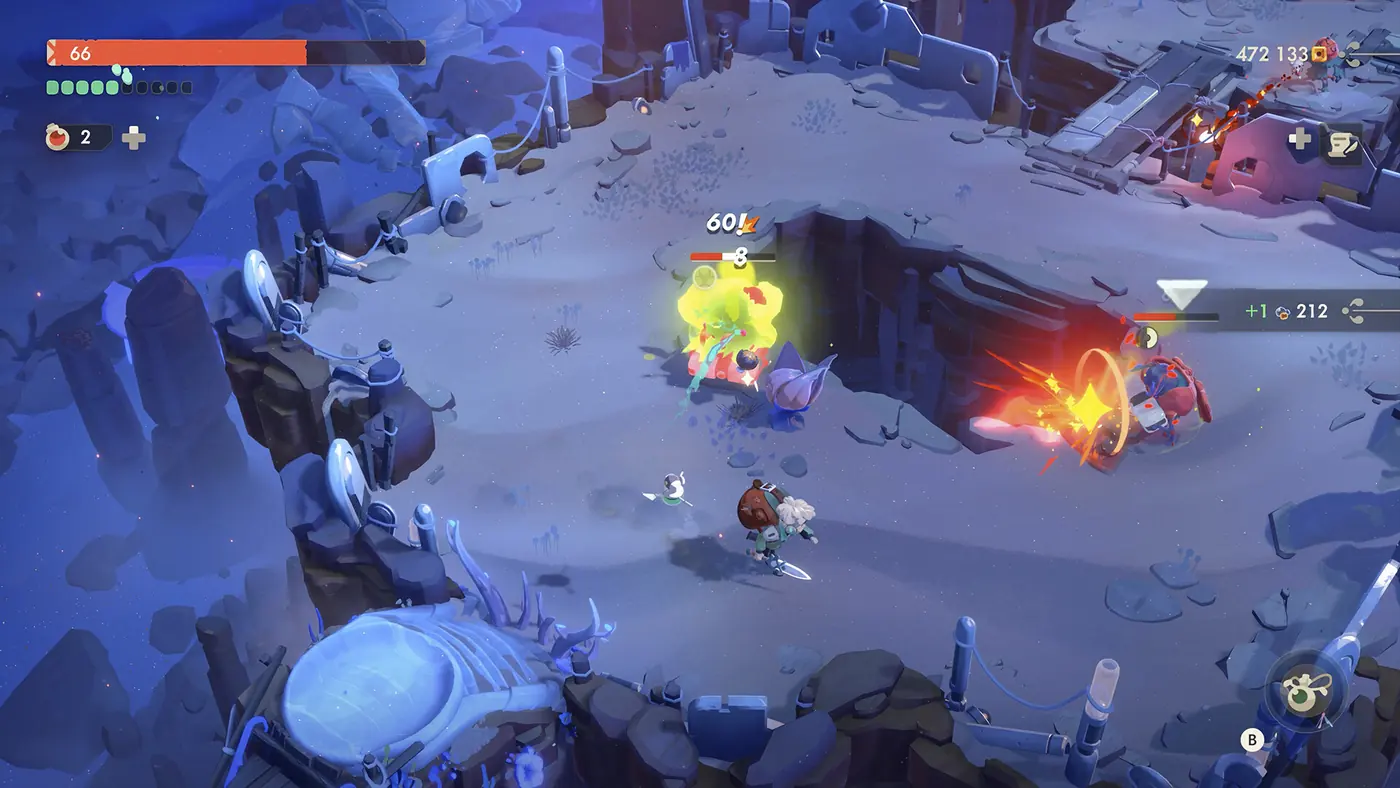
Moonlighter 2 gameplay screenshot. This image is used for identification and editorial context.
The DirectX switch is the stability fix
The notes state that many of the crashes and performance issues players hit may be related to the graphics API, and recommend switching between DirectX 11 and DirectX 12 to see which runs best on your system. If you are crashing on the 1.0 build, this is the first setting to try before anything else.
The developers also say the patch addresses "most of the concerns raised by the community during the 1.0 release" and that further balancing work will be assessed after the console port of these fixes ships.
Progression and quest fixes
- The Weapon Mastery quest marker pointed to the wrong location; fixed.
- A crash could occur right after completing a certain main quest; fixed.
- Talking to Hazy Jane in later stages could cause a loss of player input; fixed.
- The game could freeze on the loading screen when returning to Tresna during the tutorial; fixed.
- Babyl sometimes became duplicated, which could make Spark almost impossible to reach if Babyl had not been unlocked yet; fixed.
Enemy behavior fixes
- Senda no longer ignores poison damage from gadget shots during his second phase.
- Sergeant Roberto now reacts when shot from a distance.
- The CH4 Turret no longer gets stuck in its shooting animation after being tased.
- Tased Electric Slimes no longer deal electric field damage.
Weapons, armor and dungeon fixes
- A specific Wound + Ignite perk combination caused a crash; fixed.
- Spearhead projectiles froze in midair when reaching Will; fixed.
- The second greatsword’s sharpness drain was not working as intended; fixed.
- The Vow weapon’s description did not match its actual behavior; fixed.
- Equipping the Scarabastion could make players invincible during boss fights; fixed.
- A spot in the Kalina dungeon let players fall out of the map with no way to recover the run; fixed.
- Will could get stuck behind an obstacle in the Gallery area; fixed.
- Barrier Blessing shield charges were not restored when retrying a dungeon; fixed.
- Certain rewards did not appear in legendary chests dropped after defeating a miniboss; fixed.
- Dungeon music did not restart after the Bloblet room if you left before the track ended; fixed.
- The Shared Secret relic description contained placeholder text, debug text and a misspelling; fixed in English and Portuguese.
What the patch does not change
The listed fixes do not provide a replacement weapon damage table. Their absence cannot confirm that every older community statistic remains accurate on a later build. Use the notes to identify the named corrections and check the current item description before relying on an old comparison.
Verification boundary
Everything on this page is quoted from the official Hotfix 1 announcement on the Steam news hub for App 2350790, read September 16, 2026. The notes do not publish repro steps or affected-save details, so this page does not invent them.
What is confirmed
- Aeolia is a named area with an Ultimate Challenge achievement.
- Hotfix 1 named Kalina (fall out of map) and the Gallery (stuck behind an obstacle), not Aeolia specifically.
What to do
If your run dies to a geometry bug, treat it as a known risk in this dungeon family until a patch names Aeolia. Switch DirectX 11/12 if the issue is a crash rather than a trap.
Screen Flash and Hit Effects
Some players report difficulty with bright hit effects. That feedback is a reason to inspect the available visual settings before committing to a long session, rather than proof of a confirmed developer response or a feature added by Hotfix 1.
What you can do now
Turn effect intensity and screen shake down in the options before you write the game off. If those sliders do not touch the flash you mean, they do not. Hotfix 1's notes are about DirectX, bosses, and input loss, not a photosensitivity preset.
If visual effects cause discomfort, stop the session. The presence of intensity or shake controls does not guarantee that they reduce a particular flash. Describe the specific effect and current platform when asking official support about available settings.
Check the fix on the affected save
A patch note describes the case the developer changed, not every possible cause of the same visible symptom. When checking a progression fix, return to the affected transition with the same quest state if you can do so safely. Confirm that the journal advances and that the destination loads. Do not immediately change equipment, graphics settings and save files together, because a successful result would no longer identify which change mattered. Keep a backup before experimenting with file changes.
For an issue that remains after updating, include the platform and build in the report. Console patches may arrive on a different schedule from a PC update, so verify the version displayed on that device rather than assuming the date on a Steam announcement applies everywhere. Describe the exact action immediately before the problem. A short reproduction sequence is more useful than a general claim that the entire region is broken. Avoid promising that a hotfix will recover every previously damaged save; only the developer can establish that scope.
Aeolia Bugs: Why Runs Get Wasted
If a room prevents progress after updating, note the region, room layout and visible blocker. Record whether an enemy is still present and whether normal movement or attacks respond. Report the reproduction through official support; avoid deleting a working save to test an undocumented workaround.
Related Moonlighter 2 guides
Moonlighter 2 Beginner Guide: First Runs, Sales and Upgrades
A fact-first Moonlighter 2 beginner guide covering dungeon runs, relics, shop prices, and village reinvestment.
Moonlighter 2 Dungeon Guide: Routes, Combat and Run Decisions
A Moonlighter 2 dungeon guide grounded in the Steam description: route planning, relic collection, backpack space, and escalating rewards.
Moonlighter 2 Shop Guide: Stock, Selling and Reinvestment
A source-tracked Moonlighter 2 shop guide covering player-set prices, customers, decorations, perks, and village investment.