Version 1.0 · Hotfix 1
Moonlighter 2 Hotfix 1 Guide: Stability, Quest, and Dungeon Fixes
Moonlighter 2 Hotfix 1 addresses stability, progression, enemies, weapons, armor, dungeons, and text issues reported around the version 1.0 release. The most useful way to apply it is to update first, choose one symptom, and retest the exact activity that failed. This guide turns the patch notes into a safe checklist without treating a fixed bug as a new strategy.
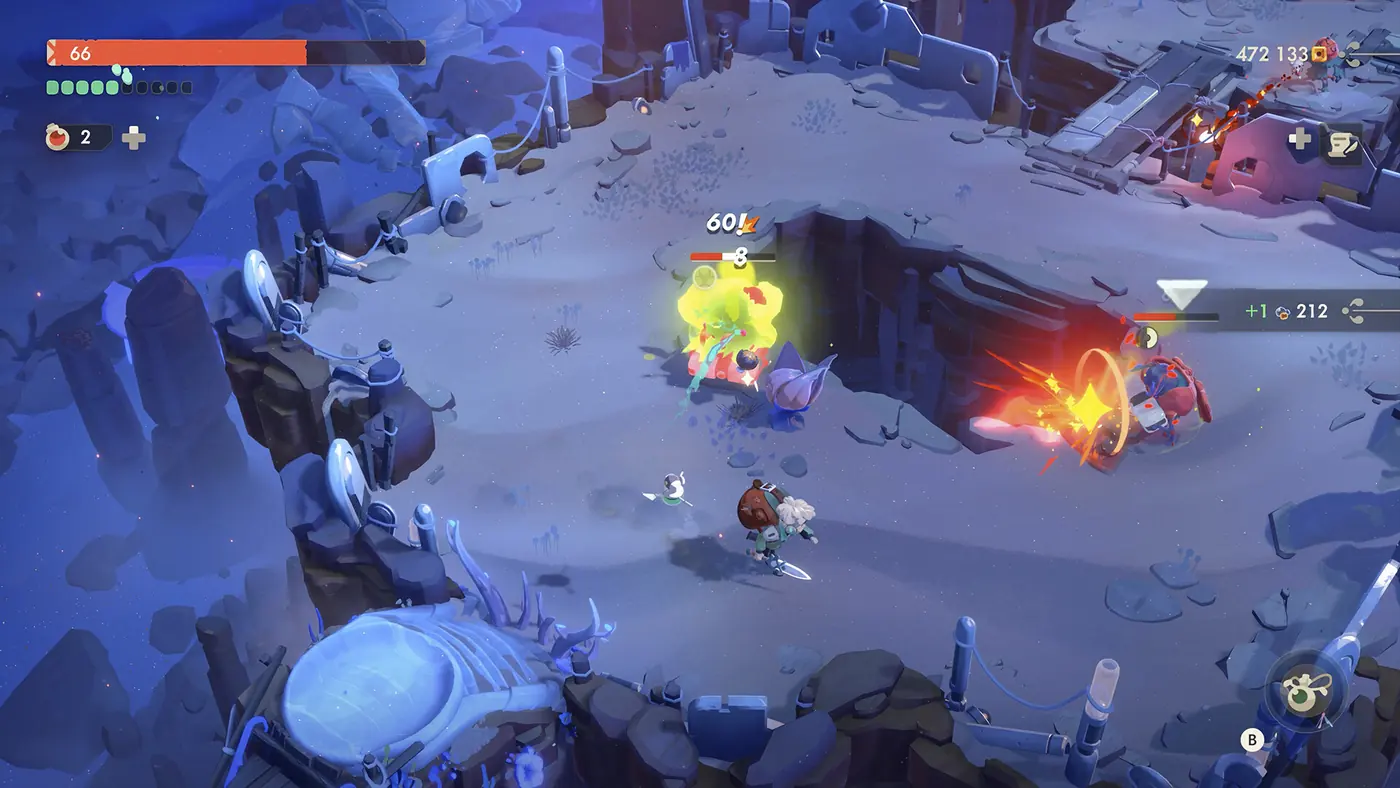
Moonlighter 2 gameplay screenshot. This image is used for identification and editorial context.
Install the patch before repeating a risky run
Close the game and let your platform complete the update before loading a valuable save. The patch addresses issues that could crash after a main quest, freeze while returning to Tresna during the tutorial, or leave a dungeon run unrecoverable. Those are different failure points, so write down where the original problem occurred. A title-screen version check, if your build displays one, is a better baseline than assuming an update downloaded because the client was open.
After updating, load the same profile and repeat only the action connected to the original symptom. Do not immediately delete a save, reinstall, or abandon a quest. If the failure no longer occurs, continue normally and keep a note of the new build. If it persists, capture the quest name, location, platform, and the last action before the freeze or crash. That makes a remaining issue distinguishable from an old report reproduced on an outdated install.
Choose DirectX 11 or DirectX 12 with a controlled comparison
Hotfix 1 adds a choice between DirectX 11 and DirectX 12 because some instability and performance problems may be related to the graphics API. There is no universal best option in the notes. Start with the setting currently selected, play a repeatable section, and record whether the issue is a crash, a frame-rate drop, or a hitch during a transition. Then switch APIs, restart if the game requests it, and repeat the same section with the same resolution and graphics settings.
Do not change the API, resolution, upscaler, frame cap, and graphics preset all at once. If several variables change, a smoother run cannot tell you which setting mattered. Keep the first configuration written down so you can restore it. A result on one GPU does not prove the other API is slower or less stable on every PC. If neither option changes the symptom, preserve the log and report the hardware and driver state instead of repeatedly toggling settings without a controlled test.
Recover the tutorial return to Tresna
The patch fixes a loading-screen freeze that could happen when returning to Tresna during the tutorial. If your tutorial save previously stopped on that transition, update and try the normal return once before changing files. Wait for the transition to finish and avoid force-closing the game while the storage indicator or loading screen is still active. If the town loads correctly, check the quest journal and confirm that the tutorial step advanced before leaving the area.
If the loading screen still hangs, note whether the freeze happens every time or only on one save. Record the platform, API selection on PC, and whether you changed the route or equipment before returning. Do not assume a later-game loading freeze has the same cause as this tutorial-specific case. A precise report keeps the known fix narrow and helps identify whether another transition issue remains.
Use the Weapon Mastery marker as navigation, not a quest reset
Hotfix 1 corrects the Weapon Mastery quest marker when it pointed to the wrong location. Reopen the journal after updating, select the quest, and follow the current marker rather than an old screenshot or community route. If the marker leads somewhere unexpected, compare the displayed quest text with the map label and check whether another objective is active. A marker correction changes navigation guidance; it does not imply that the quest requirements or reward were redesigned.
When a quest remains incomplete, identify the exact stage and the interaction the journal asks for. Revisit the corrected destination, inspect nearby interactable objects, and check whether the objective text changes. Avoid repeating every earlier step unless the journal says to. If the marker and objective disagree after the patch, preserve a screenshot of both and report the mismatch. That is more useful than restarting the whole quest and potentially obscuring the broken state.
Test the Babyl and Spark route without creating another blocker
The patch fixes Babyl sometimes being duplicated, which could make Spark almost impossible to reach when Babyl had not yet been unlocked. This is a dependency and navigation edge case. If you are approaching that part of the story, check the journal and unlock state before moving between the characters. Do not assume that seeing a duplicate means you have unlocked the intended route; confirm the relevant interaction and objective state in the menu.
If Spark still cannot be reached, record whether Babyl is unlocked, how many copies or markers appear, and which objective is active. Use the main quest path shown in the current build and avoid deleting local progress to work around a world-state issue. The patch note describes the specific combination that caused the obstruction. It does not say that all character interactions or every blocked door are related to this fix.
Retest Senda and other named enemy fixes
Hotfix 1 fixes Senda not taking poison damage from gadget shots during the second phase. To verify it, reach the second phase, use the relevant poison gadget, and watch for the game’s damage response. Do not test in the first phase and conclude that the second-phase correction failed. Keep the gadget, target phase, and attack sequence consistent if you compare attempts.
The same patch changes several other named cases: Sergeant Roberto should react when shot from a distance; the Chapter 4 turret should no longer stay in its firing animation after being tased; and tased Electric Slimes should not continue dealing electric-field damage. Test each in its stated context. A turret that was not tased, a slime whose status expired, or a close-range shot on Roberto does not reproduce the exact issue described.
Protect a run from dungeon-specific edge cases
The update fixes a spot in Kalina where Will could fall out of the map and become stuck, and another Gallery obstacle that could trap him. It also restores Barrier Blessing shield charges when retrying a dungeon and fixes certain legendary-chest rewards after miniboss victories. These changes affect different parts of a run: geometry, retry state, and reward generation. Check which one matches your situation before leaving or restarting.
After a miniboss, open the reward chest and confirm the reward appears before moving on. When retrying with Barrier Blessing, inspect the displayed shield state before taking another encounter. If a character becomes stuck, try the normal movement and camera controls once, then record the exact obstacle and room rather than repeatedly forcing the same position. A route guide should note the fixed obstruction only when it has been retested on the patched build.
Check the remaining weapon, armor, and text corrections
Hotfix 1 corrects a crash caused by a specific combination of Wound and Ignite perks, spearhead projectiles freezing in midair when reaching Will, the second greatsword’s sharpness drain, and a mismatch between The Vow’s description and behavior. It also fixes an invincibility edge case during boss fights after equipping Scarabastion. These are not blanket changes to every perk, weapon, or armor effect.
If you use one of those combinations, note your loadout before testing and change one item at a time. Read the current description for The Vow rather than copying an older tooltip. The update also corrects placeholder/debug text and a misspelling in the Shared Secret relic description in English and Portuguese. Text corrections can help identify the installed build, but they do not necessarily change the relic’s underlying function.
A clean post-hotfix checklist
Update; back up your normal save through the platform’s supported method; choose one symptom; repeat the matching quest, enemy, or dungeon event; and note the current graphics API if you are on PC. Confirm quest completion in the journal, check a reward before leaving its room, and avoid mixing several settings changes into one test. If the game still fails, preserve the save and record the exact steps rather than wiping progress.
The patch is broad, but each fix is specific. Treat the corrected Weapon Mastery marker as a marker fix, the Senda note as a second-phase poison case, and the loading freeze as a tutorial return issue. That precision lets you benefit from Hotfix 1 without inventing a new route or assuming every similar-looking problem has already been solved.
Related Moonlighter 2 guides
Moonlighter 2 Beginner Guide: First Runs, Sales and Upgrades
A fact-first Moonlighter 2 beginner guide covering dungeon runs, relics, shop prices, and village reinvestment.
Moonlighter 2 Dungeon Guide: Routes, Combat and Run Decisions
A Moonlighter 2 dungeon guide grounded in the Steam description: route planning, relic collection, backpack space, and escalating rewards.
Moonlighter 2 Shop Guide: Stock, Selling and Reinvestment
A source-tracked Moonlighter 2 shop guide covering player-set prices, customers, decorations, perks, and village investment.